Why Is My Game Lagging? 8 Common Causes and Fixes for 2026
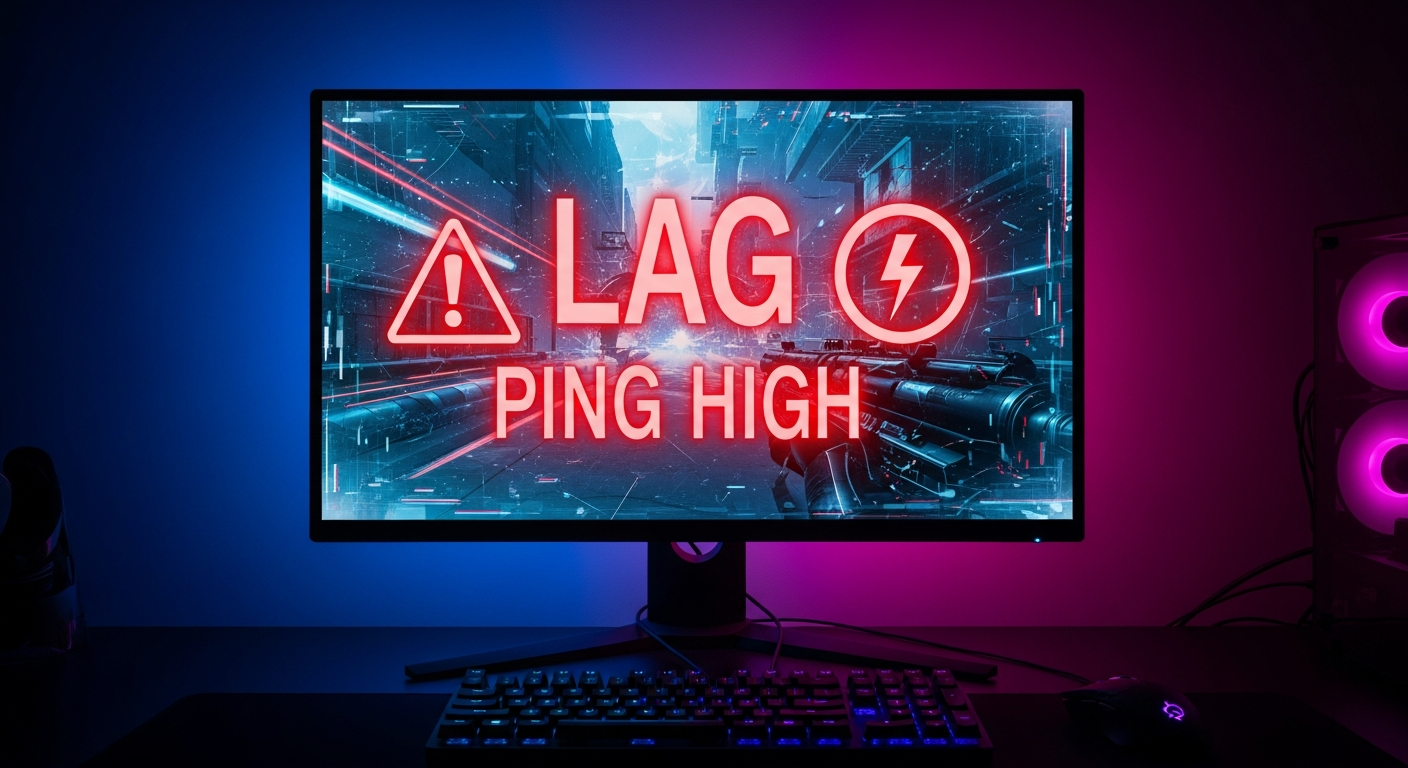
You line up the perfect shot. You click. The game freezes for half a second. By the time it recovers, you are already dead. If you have been asking why is my game lagging, you are not alone. Liquid Web surveyed gamers in 2025 and found that 78 percent have rage quit because of lag, and 55 percent abandoned a game entirely.
If you have been searching why is my game lagging, the answer is usually one of four things: high ping, FPS drops, packet loss, or hardware limits. This guide breaks down each cause with specific numbers, shows you how to diagnose why is my game lagging specifically, and gives you fixes that actually work. No generic advice.
The Difference Between Ping Lag and FPS Lag
Most players use the word lag for two completely different problems. Ping lag comes from your network. FPS lag comes from your hardware. Fixing one does nothing for the other, which is why so many people try random solutions and never solve the real issue.
Ping lag happens when data takes too long to travel between your PC and the game server. At 20ms ping, your shots register instantly. At 100ms, there is a noticeable delay. At 150ms, you lose most gunfights before they even start on your screen. According to WonderNetwork global ping statistics, US East players average 10 to 30ms to local servers, while Australian players average 180 to 280ms to US servers.
| Ping Range | Gameplay Experience | Best For |
|---|---|---|
| 0-20ms | Instant response, no delay | Competitive FPS, fighting games |
| 20-50ms | Smooth, negligible delay | Most online games |
| 50-100ms | Noticeable delay, playable | Casual multiplayer, MMOs |
| 100-150ms | Frequent rubber-banding | Single-player, strategy games |
| 150ms+ | Unplayable for competitive | Turn-based games only |
FPS lag happens when your graphics card cannot keep up. At 144 FPS, the game feels smooth and responsive. At 60 FPS, it is playable but not ideal for competitive titles. At 30 FPS or lower, every camera movement feels sluggish. NVIDIA research confirmed that players on 144Hz monitors see 44 to 51 percent higher K/D ratios compared to 60Hz monitors, according to PC Gamer reporting.
Packet Loss: The Silent Killer of Online Gaming
Packet loss is the most frustrating form of lag because your ping can look fine while the game still stutters. If your connection drops even 1 percent of data packets, you will see rubber-banding and teleporting enemies. At 3 to 5 percent packet loss, EngineerFix.com classifies the connection as near unplayable.
The easiest way to check for packet loss is to run a continuous ping to a game server and look for gaps. On Windows, open Command Prompt and type ping -t 8.8.8.8. If you see Request Timed Out, you are dropping packets. A wired Ethernet connection eliminates most packet loss that WiFi introduces. WiFiSpeed.com found that WiFi adds 2 to 15ms of extra latency plus significantly more jitter than a wired connection.
Ethernet vs WiFi: The Difference Is Measurable
UrbanX latency studies consistently show that WiFi introduces 2 to 15ms of additional latency and higher jitter compared to Ethernet. For competitive shooters like Valorant, Counter-Strike 2, and Call of Duty, that extra latency can be the difference between winning and losing a firefight.
Pro esports players universally use wired connections during tournaments and practice. If you cannot run an Ethernet cable to your gaming setup, powerline adapters are the next best option. They use your home electrical wiring to carry network data and typically add only 1 to 3ms of latency compared to a direct Ethernet connection.
How Much Internet Speed Do Games Actually Need
This is where most people get confused. You do not need gigabit internet for gaming. Valorant recommends 25 Mbps but runs fine on 1 Mbps. Counter-Strike 2 uses as little as 0.5 Mbps. Fortnite recommends 5 to 25 Mbps. Even Call of Duty Warzone, one of the most bandwidth-hungry games, recommends 50 Mbps according to Activision.
| Game | Minimum Speed | Recommended Speed |
|---|---|---|
| Valorant | 1 Mbps | 25 Mbps |
| Counter-Strike 2 | 0.5 Mbps | 10 Mbps |
| Fortnite | 3 Mbps | 25 Mbps |
| Call of Duty Warzone | 10 Mbps | 50 Mbps |
| Apex Legends | 1 Mbps | 20 Mbps |
For tips on improving your gameplay after fixing performance issues, see our guide on how to get better at Valorant. If you are on older hardware, these best games for low end PC run on integrated graphics.
RealGear.net and HighSpeedInternet.com both agree on the same conclusion: 25 Mbps is enough for any game currently on the market. The problem is almost never bandwidth. It is latency, jitter, or packet loss.
Graphics Settings That Kill FPS Without Making the Game Look Better
If you have been asking why your game is lagging even with a decent internet connection, the culprit is probably your graphics settings. Shadow quality, ambient occlusion, and ray tracing are the three biggest FPS killers. Turning ray tracing from Ultra to Off can double your frame rate on mid-range GPUs according to Tom’s Hardware benchmarks.
NVIDIA Reflex 2, available on RTX 50 series cards, reduces system latency by up to 75 percent according to Tom’s Hardware. For AMD users, Anti-Lag 2 offers similar benefits. Both technologies reduce the delay between your mouse click and the action appearing on screen without changing your FPS.
Building Gaming Infrastructure or Console-Agnostic Experiences?
Our team builds across PlayStation, Xbox, Switch, and emerging platforms. Talk to our gaming engineers about your next project.
How Background Apps Sabotage Your Gaming Performance
Windows update downloading in the background, Chrome with 20 tabs open, Discord streaming, and antivirus scanning your game files all compete for your CPU and network bandwidth. A single Windows update download can saturate your connection and push your ping from 20ms to over 200ms.
Game mode in Windows 11 automatically prioritizes game traffic, but it does not stop background downloads. The fix is to open Task Manager before each session and kill anything consuming more than 1 percent CPU or 1 Mbps network that is not your game. Streamers should use a dedicated streaming PC or at minimum cap their stream bitrate to 80 percent of their upload speed.
How to Test If Your Hardware Is the Problem
MSI Afterburner with RivaTuner overlay shows your CPU usage, GPU usage, temperature, and FPS in real time. If your GPU usage is at 99 percent while your CPU is at 40 percent, your graphics card is the bottleneck. If your CPU is at 90 percent or higher, your processor is holding you back.
The general FPS thresholds are clear. Competitive FPS games need 144 FPS minimum. 60 FPS is the minimum acceptable for any modern game. 30 FPS or below is unplayable for action games. NVIDIA research published in early 2025 showed that measurable performance gains continue all the way up to 500Hz monitors, though the practical benefit above 240Hz is minimal for most players.
Frequently Asked Questions
Q1: Why is my game lagging but my internet is fine
This is usually an FPS issue caused by your graphics settings, outdated drivers, or background applications consuming resources. Check your GPU usage with MSI Afterburner while you play.
Q2: What is a good ping for gaming
Below 20ms is excellent for competitive gaming. 20 to 50ms is good for most games. Above 100ms puts you at a measurable disadvantage in fast-paced shooters.
Q3: Does Ethernet reduce lag compared to WiFi
Yes. WiFi adds 2 to 15ms of extra latency with higher jitter. Ethernet is always better for competitive gaming.
Q4: How much internet speed do I need for gaming
25 Mbps is enough for any game. Bandwidth is rarely the bottleneck. Latency and packet loss matter much more than raw speed.
Q5: What FPS is considered playable
60 FPS is the minimum acceptable for modern games. Competitive players target 144 FPS or higher. Below 30 FPS is unplayable for action games.
Q6: Can a bad monitor cause lag
No, but a 60Hz monitor limits what you can see. 144Hz monitors are linked to 44 to 51 percent higher K/D ratios according to NVIDIA research cited by PC Gamer.
AI Summary
- 78 percent of gamers rage quit due to lag according to a Liquid Web survey of gamers.
- Ping below 20ms is excellent. Above 100ms creates a measurable disadvantage in competitive shooters.
- Packet loss above 1 percent causes visible stuttering. Above 3 percent is near unplayable.
- 25 Mbps is enough for any game. Latency matters more than bandwidth.
- NVIDIA Reflex 2 reduces system latency by up to 75 percent on RTX 50 series hardware.
- 144Hz monitors correlate with 44 to 51 percent higher K/D ratios compared to 60Hz monitors.